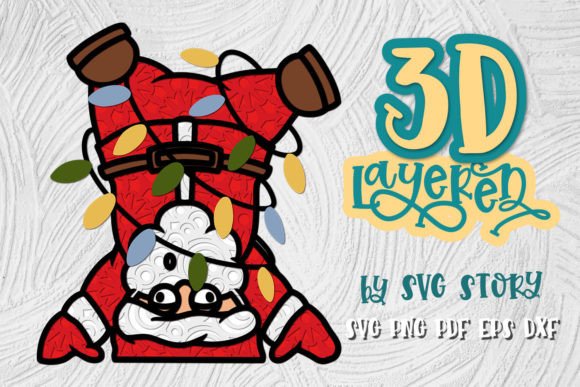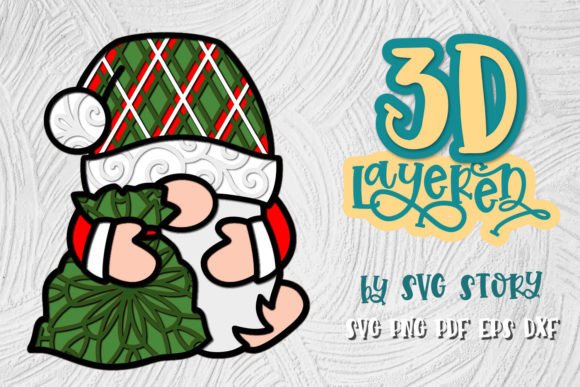
3D Christmas Gnome 05 Layered Design
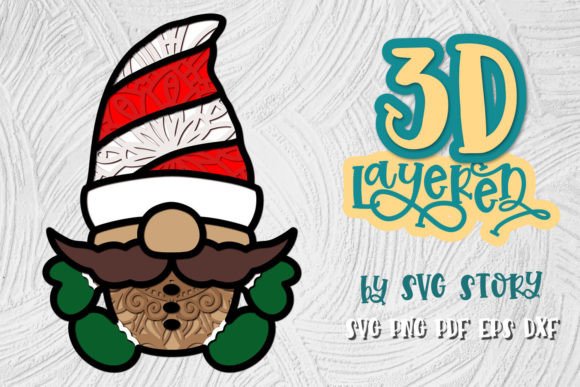
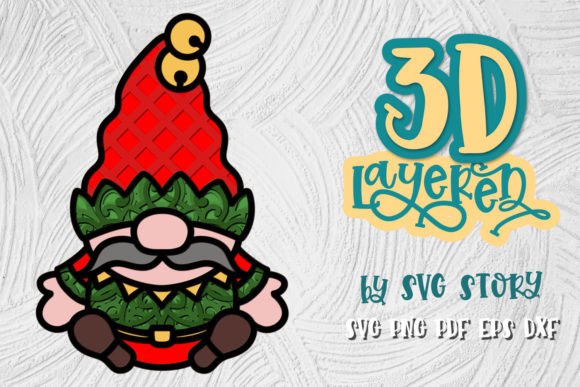
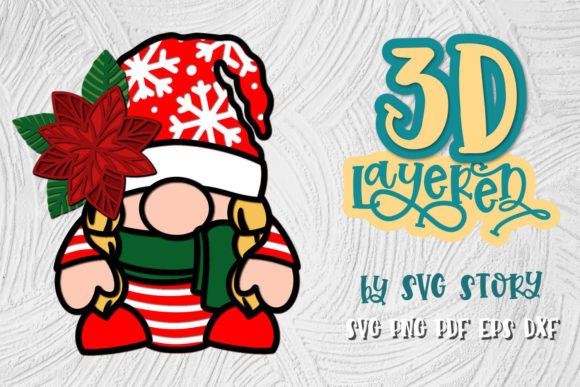
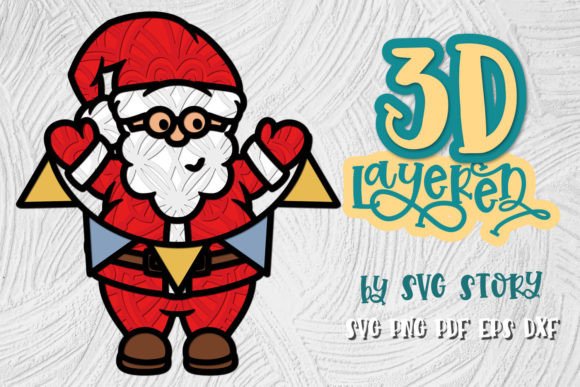
The 3D Christmas Gnome 05 Layered Design is a meticulously crafted digital artwork that brings holiday cheer and whimsical charm to your creative projects. Designed for versatility, this layered design features an original, hand-drawn aesthetic refined for smooth cutting on various machines. Whether you're a seasoned designer or just starting out, the gnome's festive appeal makes it a standout addition to any seasonal craft collection.
What Makes This Design Unique?
This design stands apart due to its detailed layering system and compatibility with multiple file formats. The layered structure allows for easy customization—adjust individual elements like the hat, beard, or facial expression to match your vision. You can modify colors, scale components, or even add personal touches without compromising the integrity of the overall image.
Unlike generic clip art, the 3D Christmas Gnome 05 has been optimized for clean, precise cuts. Its curves and lines are designed to flow smoothly through cutting machines, ensuring each piece fits together seamlessly when assembled. This level of detail makes it ideal for both decorative and commercial use, from personalized gifts to retail displays.
Supported File Formats
To ensure broad usability, the design includes a range of high-quality file types:
- SVG Files: Perfect for Cricut, Silhouette, and other popular cutting software. These files allow for scalable vector graphics so you can resize without losing quality.
- EPS Files: Compatible with Adobe Illustrator and similar programs, EPS supports professional editing and printing.
- DXF Files: Ideal for laser cutters and advanced CNC machines, DXF ensures precision in industrial applications.
- PNG Files: Transparent background PNGs make it easy to use the design in print or digital media without extra work.
- PDF Files: Great for sharing or printing directly if you need a quick solution.
All files are archived in ZIP format for easy download and organization. Before purchasing, be sure your system can handle ZIP archives. If you need additional formats not listed, SVGStory encourages direct communication to accommodate your specific needs.
How to Use This Design Effectively
The beauty of the 3D Christmas Gnome 05 lies in its adaptability. Here are some practical ways different users might incorporate it into their work:
For Crafters and DIY Enthusiasts
Crafters can bring this design to life using vinyl, wood, acrylic, or fabric. Cut the layers with a machine like Cricut or Silhouette, then assemble them manually for a charming 3D display. Add texture by painting the pieces or using heat transfer materials for a personalized touch. This gnome could become part of a larger holiday scene, such as a cardboard advent calendar or a festive wreath centerpiece.
For Educators and Classroom Projects
Teachers can use the gnome as a fun holiday activity for students. It’s a great way to introduce concepts like layering, symmetry, and color theory. Students can cut the gnome from cardstock, paint it, and create small dioramas or shadow boxes. For younger learners, simplify the project by pre-cutting certain layers and focusing on assembly and decoration.
For Marketers and Brand Owners
Marketers can integrate the gnome into holiday-themed campaigns. Use it as a branded mascot for winter promotions or as part of packaging designs. Print it on custom gift tags, product labels, or promotional cards. With its clear visual identity, the gnome can help reinforce brand recognition while adding a cheerful seasonal element.
For Bloggers and Content Creators
Bloggers can feature the gnome in photo shoots or video tutorials. Create content around how to use it in different crafts, or showcase it as part of a holiday decorating guide. The transparent PNG version is especially useful for overlaying the gnome onto photos or social media posts, making it perfect for engaging visual storytelling.
For Entrepreneurs and Small Business Owners
Entrepreneurs can turn the gnome into a sellable product. Consider selling pre-cut kits for customers to assemble themselves, or offer finished versions made from premium materials. The layered nature of the design also makes it suitable for creating themed sets—like a family of gnomes or matching holiday characters.
Design Ideas and Variations
While the gnome itself is a classic figure, there are many ways to reinterpret it creatively. Here are a few ideas to spark your imagination:
Custom Color Schemes
Change up the traditional red-and-white palette by experimenting with pastel tones, metallic finishes, or even monochrome styles. A snow-white gnome with silver accents adds elegance to minimalist holiday decor, while a neon version could make a bold statement in modern home settings.
Themed Assemblies
Pair the gnome with other seasonal elements like snowflakes, poinsettias, or reindeer silhouettes. Build a cohesive look by aligning the style and color of these elements. For instance, a woodland theme with moss textures and earthy tones can transform the gnome into a forest creature rather than a typical holiday figure.
Interactive Displays
Create an interactive experience by embedding the gnome into a magnetic board or a light-up display. Magnetic backing allows for easy rearrangement and reusability, while LED lights can highlight the gnome’s details during evening events or store window displays.
Miniature Ornaments
Scale down the design and cut it from thin acrylic or felt to make unique ornaments. Attach strings or hooks and hang them from trees, garlands, or as part of a mobile. The layered design adds depth, making each ornament visually appealing from all angles.
Print-on-Demand Products
Use the PNG or PDF files to upload the gnome onto print-on-demand platforms. Offer it as a t-shirt design, phone case pattern, or wall art print. The design’s clarity and festive vibe make it suitable for a wide audience looking for holiday-themed merchandise.
Ensuring Clarity and Consistency in Your Projects
When working with layered designs like the 3D Christmas Gnome 05, maintaining clarity and consistency is key. Here are some tips to keep your final results polished and professional:
- Organize Layers: Keep track of each component (hat, body, face) separately in your design software. Label them clearly to avoid confusion during the cutting process.
- Test Cuts: Always perform a test cut on scrap material before committing to your final medium. This helps identify any potential issues with alignment or scaling.
- Choose Appropriate Materials: Depending on the end goal, select materials that enhance the design. Acrylic gives a crisp look, while felt offers a soft, tactile finish.
- Maintain Proportions: When resizing the gnome, ensure the proportions remain balanced. Distorting the layers can affect the visual harmony of the final piece.
- Match Backgrounds and Textures: If displaying the gnome digitally or in print, consider the background. A snowy landscape complements the traditional look, but a plain white or colored backdrop can also highlight its details.
Practical Inspiration for Real-World Applications
Let’s explore a few realistic scenarios where the 3D Christmas Gnome 05 can shine:
Scenario 1: Local Retail Store Display
A boutique owner wants to create a welcoming holiday window. They purchase the gnome design and use it as part of a larger cut-out set. Printed on foam board, the gnome becomes the focal point of a festive village scene complete with tiny trees, stars, and snowflakes. Customers love the whimsical setup, which boosts foot traffic and sales.
Scenario 2: Personalized Gift Boxes
An entrepreneur runs a small business specializing in custom gift boxes. During December, they incorporate the gnome into their branding by printing it on tissue paper, box wraps, and shipping tags. The consistent use of the gnome across all packaging creates a memorable unboxing experience for clients.
Scenario 3: Classroom Holiday Project
A teacher uses the gnome in a group art project for elementary students. Each child receives a pre-cut base and paints the layers using washable markers. After assembling, the gnomes are displayed in a classroom “holiday town,” giving students a sense of accomplishment and encouraging teamwork.
Scenario 4: Social Media Content
A lifestyle blogger wants to engage their audience with holiday DIY ideas. They use the transparent PNG of the gnome to create a series of Instagram Stories showing how to build the gnome using everyday materials. The step-by-step visuals attract thousands of views and inspire comments asking for more tutorials.
Where to Take It Next
Once you’ve mastered the basics, think about expanding the design’s potential. Can you create a whole family of gnomes? How about a gnome-themed Advent calendar with daily cut-outs leading up to Christmas? Or maybe a line of gnome-inspired stickers for planners and journals?
Collaboration is another exciting avenue. Work with fellow creatives to build a unified holiday collection. Pair the gnome with other SVG designs from SVGStory or your own creations to form a cohesive set of products or decorations. This approach not only enhances the visual impact but also opens up opportunities for shared marketing efforts and cross-promotion.
Final Thoughts
The 3D Christmas Gnome 05 Layered Design is more than just a festive illustration—it’s a versatile tool for sparking creativity and crafting meaningful holiday experiences. Whether used in educational settings, commercial ventures, or personal projects, its layered structure and multi-format support give you the freedom to adapt and innovate.
By understanding the design’s strengths and limitations, you can harness its potential to create something truly special. So, take a moment to explore the possibilities. What will your gnome look like? How will it bring joy to others? The answer is yours to shape—one layer at a time.