Gold 3D Text Style Effect: A Powerful Tool for Adobe Illustrator
If you're an Adobe Illustrator user looking to elevate your design projects with a striking visual element, the Gold 3D Text Style Effect could be just what you need. This text effect is not merely an aesthetic enhancement; it's a practical solution that allows designers and creators to quickly apply a professional-grade 3D gold appearance to their text without requiring advanced modeling skills. Whether you're working on branding materials, presentations, or marketing collateral, this tool can help you stand out in a visually compelling way.
What Is the Gold 3d Text Style Effect?
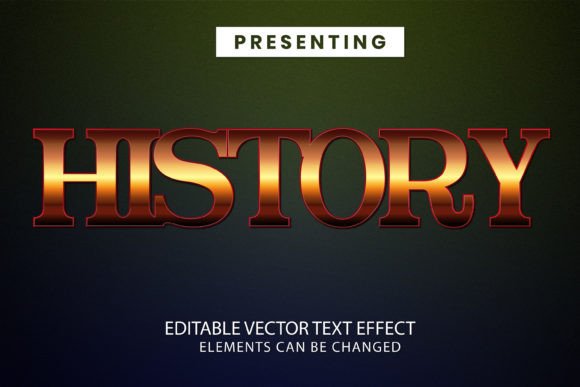
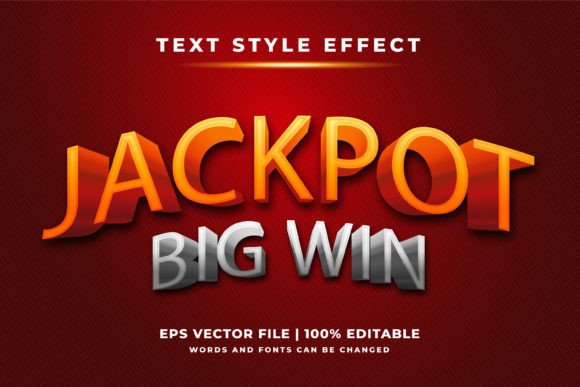
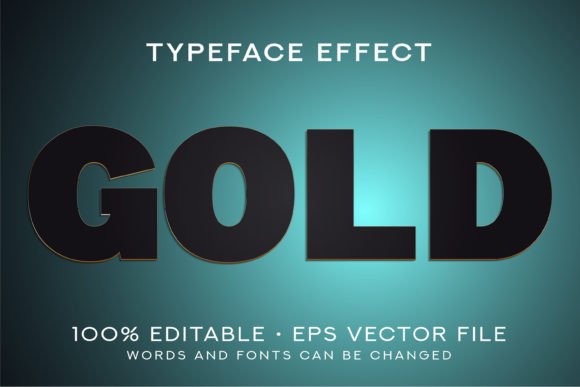
The Gold 3D Text Style Effect is a specialized graphic file designed for Adobe Illustrator. Unlike traditional fonts, it's a pre-built text effect that transforms standard typography into a rich, three-dimensional gold-styled format. The effect includes lighting, depth, and metallic sheen, all of which are carefully crafted to give your text a premium look. Once applied, the text retains full editability, meaning you can change its content, size, and alignment without losing quality.
Why It Matters in Modern Design
In today’s competitive digital landscape, visual appeal plays a crucial role in capturing attention and conveying professionalism. The Gold 3D Text Style Effect offers a quick yet sophisticated method to enhance typographic elements in your designs. It eliminates the need to manually create complex 3D effects from scratch, saving time while ensuring consistency and polish across various creative projects.
Practical Benefits of Using the Gold 3D Text Style Effect
One of the most significant advantages of this text effect is its ease of use. You don’t need to master 3D modeling tools like Blender or Cinema 4D to achieve impressive results. Simply open the .eps10 file in Adobe Illustrator CS6 or later, place your cursor where you want the text to appear, type in your desired message, and watch the effect automatically apply itself. This streamlined workflow makes it ideal for both professionals and hobbyists who value efficiency and high-quality output.
Because the file is fully editable, you can customize every aspect of the text, including font choice, spacing, and orientation. The effect scales seamlessly to any size, making it suitable for everything from small social media graphics to large billboards. This adaptability ensures that your text maintains clarity and impact regardless of the medium or platform you’re using.
Use Cases Where This Effect Shines
- Marketing Materials: Use the Gold 3D Text Style Effect to highlight key phrases in advertisements, product packaging, or promotional banners. The metallic sheen adds a sense of luxury and draws the eye naturally toward important messages.
- Logo Design: If you're designing a brand identity with a focus on elegance or prestige, applying this effect to headlines or taglines can reinforce the desired tone without overcomplicating the design.
- Event Posters: For wedding invitations, gala announcements, or award ceremonies, this effect can add a touch of sophistication that elevates the overall presentation.
- Web and App UI: When used sparingly, the gold 3D style can serve as an accent in interface design, helping to emphasize navigation buttons or key features in a clean, modern layout.
- Print Projects: Brochures, business cards, or certificates often benefit from subtle 3D enhancements. The Gold 3D Text Style Effect can add dimensionality without overwhelming the page.
Who Can Benefit Most from This Tool?
This effect is particularly valuable for individuals and teams who frequently work with text-based visuals but may not have access to advanced 3D design software. Freelance designers, marketers, educators, and entrepreneurs will find it especially useful due to its simplicity and professional finish. Small business owners looking to enhance their branding materials can also leverage this tool to create a more polished and memorable impression.
For example, consider a freelance graphic designer who needs to produce multiple client proposals within a tight deadline. By incorporating the Gold 3D Text Style Effect, they can quickly generate visually appealing headers and titles that align with the client's industry—such as finance, real estate, or fashion—without investing hours into custom 3D rendering. Similarly, a blogger creating infographics for a luxury lifestyle niche can use this effect to highlight key points and maintain a cohesive, upscale theme throughout their content.
How to Integrate the Gold 3D Text Style Effect into Your Workflow
Getting started with the Gold 3D Text Style Effect is straightforward. After downloading the .zip file, extract the contents and open the .eps10 file in Adobe Illustrator. From there, select the text object and replace the placeholder text with your own. Because the effect is embedded as part of the vector artwork, it remains scalable and resolution-independent, ensuring sharp results at any size.
Here are some tips to maximize its potential:
- Experiment with Contrast: Pair the gold 3D text with dark or neutral backgrounds to make it pop. Avoid using it on light or busy backdrops unless you want to blend it subtly.
- Layer Smartly: Place the effect above or below other design elements based on your composition. It works well as a headline or subheading but should be used judiciously in body copy to maintain readability.
- Customize Fonts: While the effect uses a specific font for preview, you can easily replace it with any font available in your system. However, keep in mind that drastic changes in font weight or shape might alter how the effect renders.
- Export Options: Once your design is finalized, export it in the required format (PDF, PNG, SVG, etc.) while ensuring the 3D effect is preserved correctly.
Real-World Impact and Creative Freedom
Designers often face the challenge of balancing creativity with productivity. The Gold 3D Text Style Effect addresses this by offering a ready-made solution that supports rapid iteration and experimentation. Instead of spending time building 3D text from scratch, you can focus on refining the rest of your project—whether it's adjusting color schemes, optimizing layouts, or enhancing imagery.
This kind of efficiency is invaluable when you're under pressure to deliver high-quality visuals on time. Imagine preparing a client pitch deck with a few standout slides featuring gold 3D text. These slides won't just communicate your message—they'll command attention and reflect your commitment to excellence. That’s the kind of outcome this effect helps you achieve consistently.
Considerations and Limitations
While the Gold 3D Text Style Effect is highly versatile, it's essential to understand its limitations. Since it's a fixed-effect file rather than a live 3D model, certain transformations like rotating around an axis or changing the material dynamically aren't possible. Additionally, the effect is exclusive to Adobe Illustrator and cannot be opened directly in other applications such as Photoshop or InDesign. This means you’ll need to finalize your design in Illustrator before exporting it elsewhere.
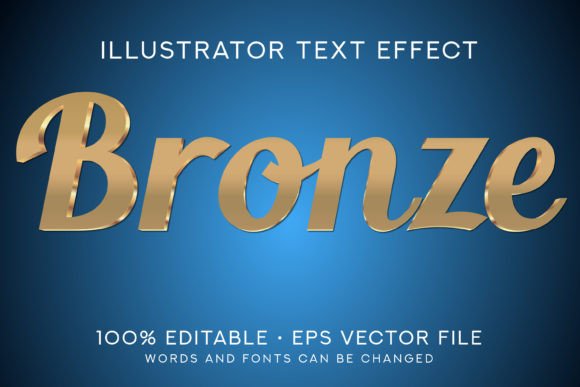
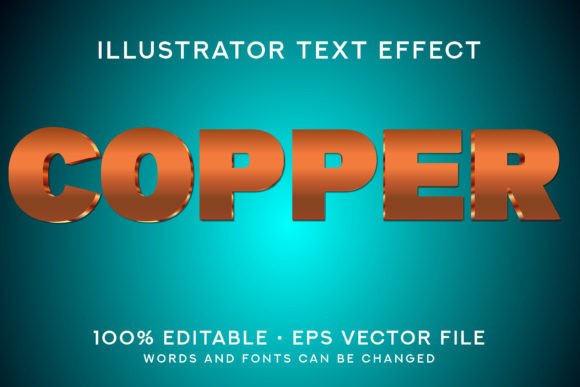
If you're considering using this effect for a multi-platform campaign, ensure that the final assets are exported in appropriate formats for each channel. Also, if you require different variations (e.g., copper, silver, or bronze), you may need to explore alternative effects or invest in a broader 3D effects toolkit.
Enhancing Communication Through Visual Hierarchy
Effective communication relies heavily on visual hierarchy—the arrangement of elements to guide the viewer’s attention. The Gold 3D Text Style Effect plays a strategic role in this process by helping you establish clear focal points. Its metallic luster and dimensional qualities naturally draw the eye, making it an excellent choice for headlines, call-to-action buttons, or title screens in videos and presentations.
Let’s say you're creating a landing page for a new line of artisanal jewelry. By using the gold 3D text for the main slogan, you immediately convey the product's luxurious nature and set the right tone for the entire page. This kind of thoughtful application doesn’t just look good—it communicates value and enhances user engagement.
Thoughtful Recommendations for Best Results
To get the most out of the Gold 3D Text Style Effect, consider these recommendations:
- Always work with the latest version of Adobe Illustrator to avoid compatibility issues.
- Test the effect at different sizes and resolutions before printing or publishing online.
- Use it as an accent rather than a dominant feature to prevent visual clutter.
- Keep the background simple so the gold effect isn’t lost in complexity.
- Combine it with subtle shadows or gradients to further enhance depth perception.
By following these best practices, you can ensure that your designs remain clean, effective, and aligned with your creative goals. Remember, the goal of any text effect is to support your message—not overshadow it. The Gold 3D Text Style Effect does precisely that when used thoughtfully.
Conclusion
The Gold 3D Text Style Effect is more than just a flashy addition to your design toolkit. It's a reliable, time-saving resource that enables you to create visually engaging content with minimal effort. Whether you're a seasoned professional or a hobbyist exploring Adobe Illustrator for the first time, this effect offers a practical way to enhance your work and meet project deadlines efficiently.
Its combination of scalability, ease of editing, and professional aesthetics makes it a strong contender for anyone looking to improve the visual impact of their text. Just remember to assess whether it fits the context and tone of your design before applying it broadly. Used wisely, the Gold 3D Text Style Effect can become a signature element in your portfolio, helping you make a difference in every project you undertake.