Jackpot Text Style Effect: A Creative Tool for Adobe Illustrator Users
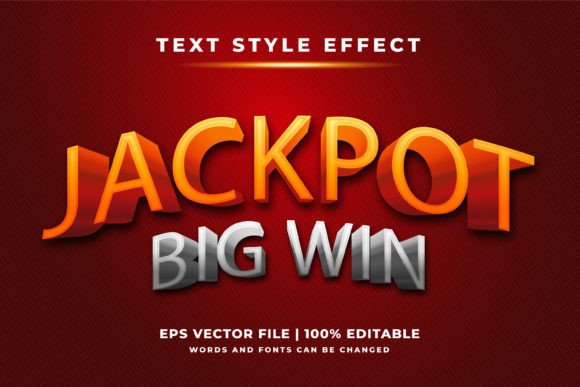
Hello there. If you're someone who regularly works with text in design projects, whether as a professional designer, a creative artist, or even a small business owner looking to elevate your branding, you know how crucial it is to make your message stand out. That’s where the Jackpot Text Style Effect comes into play. This isn't just another font; it's a unique 3D-style text effect designed specifically for Adobe Illustrator. It brings an eye-catching dimension to any project and can help transform ordinary text into something extraordinary.
What Is the Jackpot Text Style Effect?
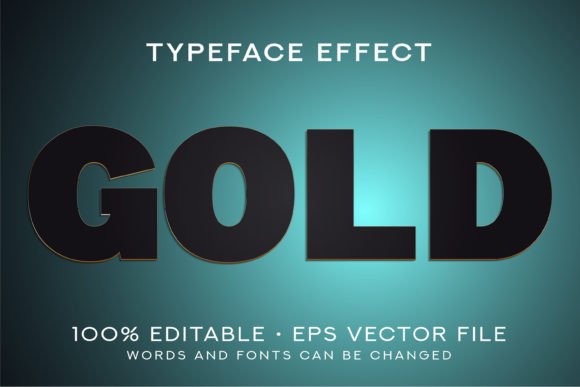
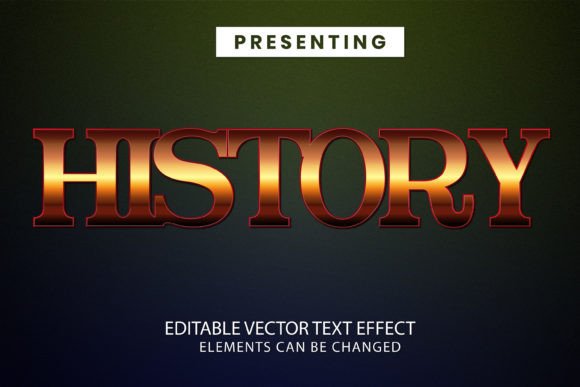
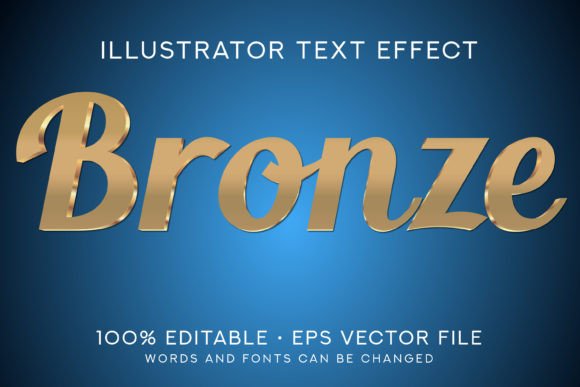
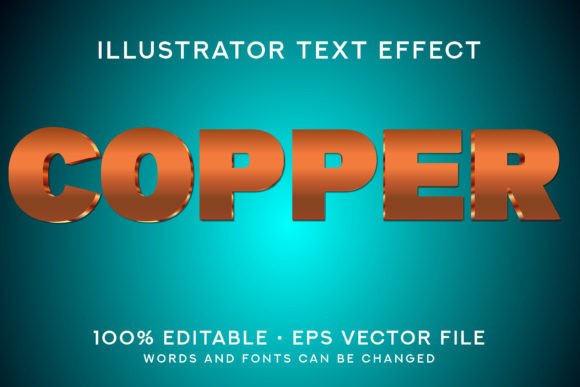
The Jackpot Text Style Effect is a specialized font effect that enhances standard typography by applying a three-dimensional style. Unlike traditional fonts, this effect gives text depth, lighting, and perspective, making it pop visually. It is not a standalone font file but rather a design asset that must be opened and used within Adobe Illustrator. Once applied, it allows users to customize the appearance of their text without the need for advanced 3D modeling skills.
Key Features of the Jackpot Text Style Effect
- Adobe Illustrator CS6 Compatibility: The effect is provided in a format compatible with Adobe Illustrator CS6, ensuring accessibility for a wide range of users.
- 100% Editable: Everything inside the file is fully editable, from colors and shapes to positioning and size, giving designers complete control over the final output.
- Scalable to Any Size: Whether you're designing a tiny logo or a massive billboard, the Jackpot Text Style Effect maintains its quality at any scale.
- Easy to Use: Designed with user-friendliness in mind, the effect is simple to apply and modify, making it suitable for both beginners and experienced users.
- Included Resources: Inside the ZIP file, you’ll find an EPS10 format file, a preview JPG image, and detailed instructions for use.
Why It’s Not Just Another Font
One common misconception is that the Jackpot Text Style Effect is a font. In reality, it is a text effect—a visual treatment that transforms regular text into something more dynamic. While some fonts come with built-in effects, they often lack the flexibility and depth that this specific tool provides. With the Jackpot Text Style Effect, you're not limited to static styles; you can manipulate every aspect of the design to suit your vision.
Who Can Benefit from Using It?
This effect is ideal for anyone working in Adobe Illustrator and seeking a way to enhance their text visuals. Here are a few groups that might particularly benefit:
- Graphic Designers: Those who create logos, posters, banners, and other marketing materials will appreciate the ability to add a premium look to their designs quickly.
- Web Developers & UI/UX Creators: For digital projects where text needs to catch attention, this effect can serve as a powerful visual element.
- Business Owners: If you're creating promotional content for your brand, using a striking text effect can help reinforce your message and attract customers.
- Creative Artists: Whether you’re designing for print or digital media, this effect offers an artistic edge that can set your work apart.
Real-World Applications
Let’s explore some practical uses of the Jackpot Text Style Effect across different industries and mediums:
- Advertising: From billboards to social media ads, the 3D text effect can draw attention and create a sense of urgency or excitement.
- Event Branding: Use it for festival posters, concert flyers, or event invitations to give your title a bold and vibrant feel.
- Apparel & Merchandise: Apply it to t-shirt designs, mugs, or T-shirts to highlight slogans or key phrases in a visually appealing manner.
- Editorial Design: Magazines, brochures, and book covers can feature the effect to emphasize headlines or chapter titles.
- Digital Art: Add it to web headers, app interfaces, or animated graphics to enhance visual storytelling.
Strengths of the Jackpot Text Style Effect
There are several reasons why this effect has become popular among Adobe Illustrator users:
- High Customizability: Every component of the effect is editable, allowing for personalization to match your project’s aesthetic and tone.
- Time-Saving: Rather than manually creating a 3D effect from scratch, this pre-built design saves hours of work while still offering flexibility.
- Professional Quality: The effect delivers a polished look that aligns with industry standards for graphic design and branding.
- Consistency: Because it’s a single file, it ensures uniformity across all instances of the text effect within a project.
Potential Considerations and Limitations
While the Jackpot Text Style Effect is a valuable resource, there are a few things to keep in mind before incorporating it into your workflow:
- Software Dependency: As mentioned earlier, this effect is exclusive to Adobe Illustrator. It won’t open in Photoshop, InDesign, or other applications, which may limit its use if your project involves multiple platforms.
- Learning Curve: Though it’s user-friendly, new users might need to spend a little time understanding how to manipulate the layers and components effectively.
- File Format Specificity: Being in EPS10 format means that compatibility with older versions of Illustrator could be an issue for some users.
- Preview Font Note: The font used in the preview is only for demonstration purposes. You'll need to replace it with your chosen typeface when editing the file.
How to Evaluate Its Suitability for Your Projects
If you're considering adding the Jackpot Text Style Effect to your toolkit, here are some questions to ask yourself:
- Do I primarily work in Adobe Illustrator? If yes, then this effect is well-suited for your workflow.
- Am I looking to add a bold, dimensional look to my text without investing in complex 3D software? Then this effect is a smart choice.
- Is the project requiring high scalability, such as large-format printing or digital signage? The effect’s scalability makes it perfect for such tasks.
- Can I handle the learning curve associated with manipulating vector-based text effects? If you're comfortable with basic Illustrator tools, you should have no problem adapting.
Getting Started with the Jackpot Text Style Effect
To begin using the Jackpot Text Style Effect, follow these steps:
- Download the ZIP file containing the EPS10 format, preview image, and documentation.
- Open Adobe Illustrator (CS6 or newer) and import the EPS10 file.
- Select the text layer and replace the placeholder font with your desired typeface.
- Edit the colors, gradients, shadows, and other elements to tailor the effect to your design.
- Resize or reposition the text as needed for your layout.
Once you’ve customized the text, you can export it in various formats like PNG, PDF, or SVG depending on your project requirements. The process is straightforward, yet the results can be dramatic.
When to Avoid Using It
Not every project calls for a flashy 3D text effect. Here are a few situations where the Jackpot Text Style Effect might not be the best fit:
- Minimalist Designs: If your project requires a clean, subtle look, the added complexity of a 3D effect could clash with the overall aesthetic.
- Small Print Sizes: When printed in very small sizes, intricate details in the effect may become less visible or lose clarity.
- Non-Illustrator Workflows: If your design process doesn’t involve Adobe Illustrator, you might need to convert or simplify the design before exporting it elsewhere.
- Long Text Passages: Applying the effect to lengthy paragraphs could overwhelm the reader and reduce legibility.
Comparing It to Other Text Effects
Many Adobe Illustrator users rely on built-in effects or third-party plugins to stylize their text. However, the Jackpot Text Style Effect stands out due to its balance between simplicity and sophistication. While some effects require scripting or manual adjustments, this one is ready to go with minimal setup. It also avoids the pitfalls of overly complicated 3D models that can bloat file sizes or slow down performance. Instead, it offers a streamlined approach to achieving impressive visual results.
Maximizing Its Value in Different Industries
Here’s how professionals in various fields can leverage the Jackpot Text Style Effect to improve their work:
- Marketing Teams: Use it to create attention-grabbing headlines for campaigns, presentations, or promotional videos.
- Print Shops: Incorporate it into custom sign designs, vehicle wraps, or storefront displays for a modern look.
- Video Game Designers: Add it to UI elements, splash screens, or title sequences to give them a more immersive feel.
- Freelance Designers: Offer clients a fresh, stylish option for branding or packaging that differentiates their products in the market.
- YouTube Creators: Enhance thumbnails or intro videos with visually compelling text that stands out in a crowded feed.
Creating a Cohesive Design Language
One of the most important aspects of using any text effect is ensuring it aligns with the rest of your design language. The Jackpot Text Style Effect is versatile enough to blend with various color schemes and themes, but it’s essential to consider contrast, readability, and context. For instance, using bright colors against dark backgrounds can amplify the 3D effect, while muted tones may soften it for a more elegant presentation.
Final Thoughts on the Jackpot Text Style Effect
The Jackpot Text Style Effect is a practical addition to any Adobe Illustrator user's toolkit. It simplifies the creation of 3D-style text, adds value through its editability and scalability, and opens up a world of creative possibilities. Whether you're designing for a client or personal project, this effect can help you deliver a stronger visual impact. Just remember to evaluate your specific needs and ensure the effect complements your overall design goals.
So, hello again. If you're looking to make your text truly shine, give the Jackpot Text Style Effect a try. Open it in Adobe Illustrator, experiment with the settings, and see how it transforms your next project. Best regards—and happy designing!