Trend Text Style Effect: A New Dimension in Adobe Illustrator Design
Hello there, and welcome to a fresh take on text design with the Trend Text Style Effect. If you're someone who loves experimenting with typography or working on creative projects that demand a unique visual flair, this new 3D-style text effect could be just what you need. Designed for Adobe Illustrator users, it’s not your typical font—it’s an innovative effect that brings depth, style, and modernity to any design. Whether you're creating logos, posters, or digital content, this tool offers a way to stand out while maintaining complete editability.
What Makes Trend Text Style Effect Unique?
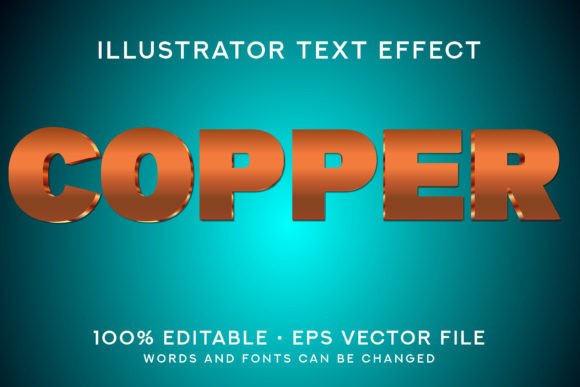
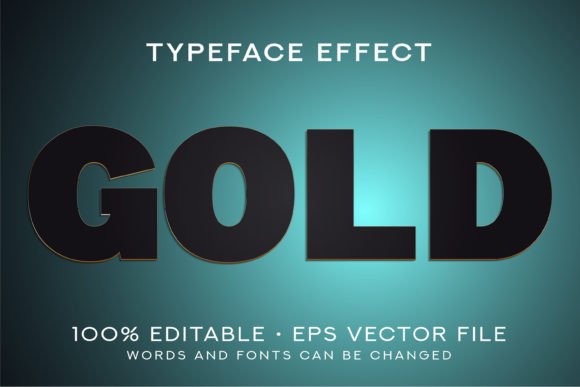
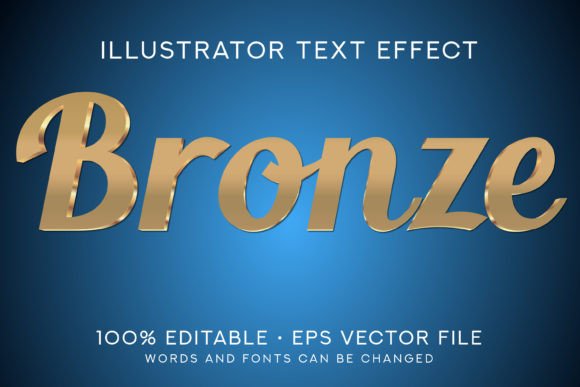
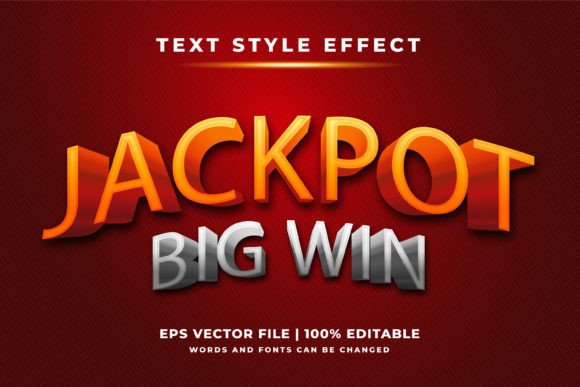
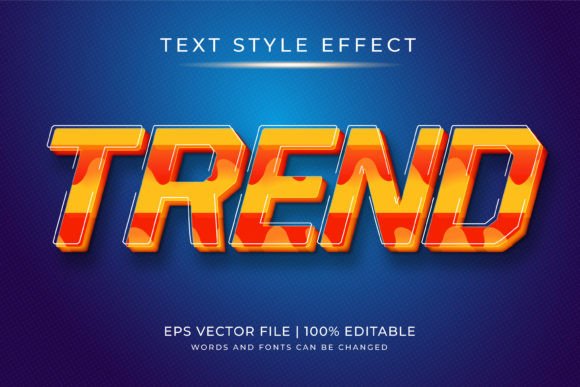
The Trend Text Style Effect is more than just another trendy graphic. It's a fully editable text style built specifically for Adobe Illustrator CS6 and above. Unlike static fonts, which can only offer variations in weight and spacing, this effect introduces a dynamic layer of dimensionality and artistic flair directly within the software. The result is a visually engaging text style that adapts seamlessly to different design contexts.
Inside the downloadable ZIP file, you’ll find an EPS10 format file, a preview JPG, and detailed instructions. This ensures that even if you’re new to working with effects in Illustrator, you'll have all the tools necessary to get started quickly. The effect is designed to be intuitive, allowing both professionals and hobbyists to integrate it into their workflow without hassle.
Key Features and Benefits
- 100% Editable: Every element of the text effect can be adjusted, from colors to shapes and positioning. This flexibility allows designers to tailor the look precisely to their project needs.
- Scalable to Any Size: Whether you're printing a massive billboard or designing a tiny icon, the effect maintains its quality at every scale. This makes it ideal for both digital and print media applications.
- Minimalist and Modern: The clean lines and subtle depth of the Trend Text Style Effect make it perfect for minimalist design aesthetics. It complements contemporary branding efforts and adds sophistication without overwhelming the composition.
- Easy Integration: Open the file in Adobe Illustrator and start customizing immediately. There's no need for complex setup processes or additional plugins.
Practical Use Cases Across Industries
Designers across various fields are already finding value in using the Trend Text Style Effect in their work. Here are some examples of where this effect shines:
Graphic Design and Branding
In the world of branding, typography plays a crucial role in establishing identity. The Trend Text Style Effect gives designers a powerful tool to create memorable headlines, taglines, and brand names. Its minimalistic yet bold appearance helps maintain a professional tone while adding a touch of creativity that sets brands apart in competitive markets.
Web and UI/UX Design
For web designers, the ability to customize text styles is essential. The Trend Text Style Effect can be used to enhance call-to-action buttons, section headers, and other interactive elements. Because it’s scalable and editable, it fits perfectly into responsive design frameworks, ensuring that your visuals remain crisp and consistent across all screen sizes.
Print Media and Advertising
Magazines, flyers, and posters often require eye-catching text without compromising readability. With this effect, you can craft elegant titles or promotional slogans that draw attention while staying true to the message. Its compatibility with Adobe Illustrator means it works well alongside other vector graphics, making it easy to blend into larger compositions.
Educational and Presentation Materials
Teachers, educators, and presenters use visual aids to keep audiences engaged. By incorporating the Trend Text Style Effect, they can highlight key points or headings with a subtle yet impactful 3D style. This enhances the overall professionalism of slides, infographics, and handouts without distracting from the content.
How to Get Started with Trend Text Style Effect
Using the Trend Text Style Effect is straightforward. Once you’ve downloaded the ZIP file, extract its contents and open the EPS10 file in Adobe Illustrator. From there, you can begin modifying the text to suit your project. Here’s a quick overview of the process:
- Open the EPS file in Adobe Illustrator CS6 or later.
- Select the text layer and replace the placeholder text with your own.
- Edit colors, gradients, and dimensions to match your design vision.
- Adjust the lighting and perspective to enhance the 3D illusion.
- Export your final design in the desired format—PNG, JPEG, PDF, or SVG.
Each step is customizable, so you don’t have to stick strictly to the provided layout. This level of control is especially valuable when you want to ensure that the text effect aligns with specific color schemes or layout structures.
Considerations Before Using the Effect
While the Trend Text Style Effect is highly versatile, there are a few things to keep in mind before diving in:
Firstly, since it’s not a font but a text effect, it must be opened in Adobe Illustrator. Attempting to use it in other software may result in errors or loss of quality. This limitation ensures that the design remains intact and retains its full potential.
Secondly, the font used for the preview is included solely for demonstration purposes. You’ll need to replace it with your preferred typeface or one that aligns with your project’s requirements. This also opens up opportunities for personalization, as you can pair the effect with any font to achieve the right balance between form and function.
Real-World Relevance and Creative Freedom
In today’s fast-paced design environment, having access to tools like the Trend Text Style Effect can significantly boost productivity and creativity. It eliminates the need to rely on pre-made templates or external assets by offering a solution that can be adapted to nearly any scenario. This makes it particularly useful for freelancers and small business owners who need to deliver high-quality results efficiently.
Moreover, the trend towards 3D and dimensional text continues to grow in popularity. Design platforms, social media campaigns, and even packaging rely on these effects to capture attention and evoke emotion. By mastering the Trend Text Style Effect, you position yourself ahead of the curve in a constantly evolving industry.
Comparisons with Other Text Effects
There are many text effects available online, but not all offer the same level of customization and ease of use. Traditional 3D text effects often require third-party plugins or complex layer setups, which can slow down the design process. In contrast, the Trend Text Style Effect provides a streamlined approach that doesn’t sacrifice quality or detail.
Compared to standard font packages, this effect stands out because it allows for deeper manipulation of the text’s structure and appearance. While fonts are limited to predefined styles, this effect gives you the freedom to reshape, recolor, and reposition each component. This adaptability is a game-changer for those looking to push the boundaries of traditional typography.
Enhancing Your Projects with Depth and Style
One of the most exciting aspects of the Trend Text Style Effect is how it transforms simple text into a focal point. The added depth creates a sense of realism and interactivity that flat text cannot achieve. For instance, a basic headline becomes more dynamic when enhanced with the effect’s layered design, drawing the viewer’s eye and reinforcing the message.
This kind of enhancement isn’t just cosmetic—it can influence how information is perceived. In marketing materials, for example, a product name styled with the Trend Text Style Effect can feel more premium and trustworthy. In editorial design, it can guide readers through content with visual hierarchy and clarity.
Conclusion
With its blend of simplicity and sophistication, the Trend Text Style Effect represents a modern evolution in text styling for Adobe Illustrator. It empowers creators to add dimension and character to their designs without overcomplicating the process. Whether you're a seasoned designer or just starting out, this effect can help elevate your work and leave a lasting impression.
As always, experimentation is key. Try combining the effect with different fonts, backgrounds, and layouts to discover what works best for your unique style. The more you explore, the more ways you’ll find to apply it creatively across your projects.